

Last Updated on December 31, 2025 by mehakzahara
If you’re shopping for a new monitor, TV, or smartphone, you’ve likely come across the terms 60hz vs 120hz. These numbers refer to the refresh rate of a display, a crucial factor that affects how smoothly motion appears on your screen. But what exactly is refresh rate? And how much of a difference does it make for everyday use, gaming, or watching videos? In this article, we explore the essentials of 60hz and 120hz refresh rates, helping you understand which one is right for you.
What Is Refresh Rate?
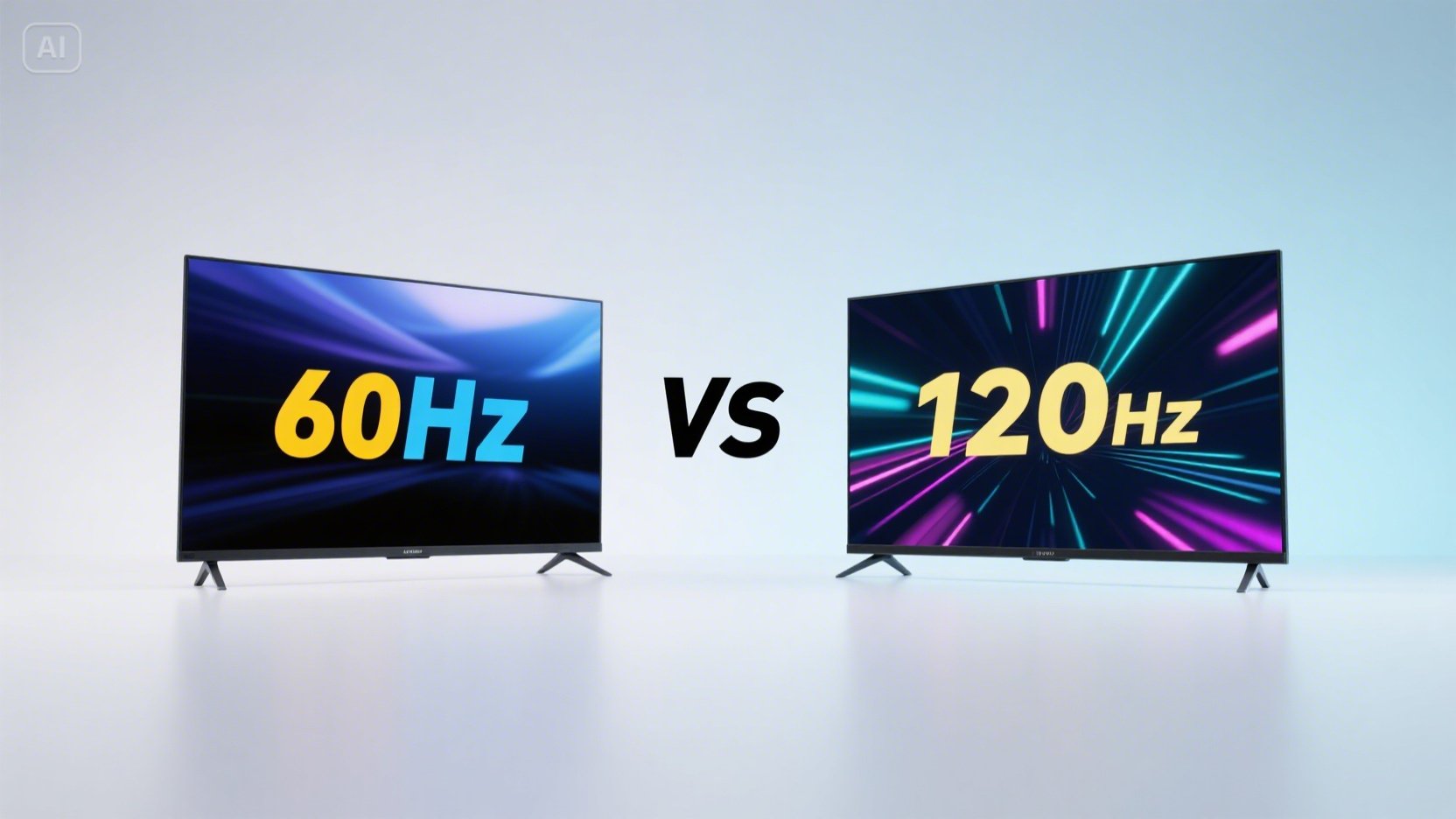
The refresh rate of a screen is how many times it refreshes the image per second, measured in hertz (Hz). A 60hz refresh rate means the display updates 60 times per second, whereas a 120hz screen refreshes 120 times every second.
This metric is closely tied to how smooth motion looks. The higher the refresh rate, the smoother and more fluid fast-moving images will appear, reducing motion blur and eye strain.
The Differences Between 60hz vs 120hz
Smoothness and Visual Experience
One of the most noticeable differences between 60hz and 120hz displays is the smoothness of motion. At 60hz, rapid movements on screen can sometimes appear choppy or show motion blur, especially in fast-paced applications like gaming or sports broadcasts. Meanwhile, 120hz doubles the refresh rate, creating much smoother transitions and sharper motion clarity.
This difference is especially beneficial when you’re playing video games or watching action-packed content, where every millisecond counts and visual fluidity enhances the immersive experience.
Gaming Performance
For gamers, the choice between 60hz vs 120hz is often pivotal. Many competitive games benefit greatly from higher refresh rates because they reduce input lag and offer a more responsive feel. At 120hz, the monitor has more frequent updates to display changes in the game environment, allowing players to react faster to in-game events. This can provide a competitive edge in fast-paced shooter games, racing games, and other genres where timing is critical.
On the other hand, 60hz monitors are still perfectly fine for casual gaming or games that don’t rely heavily on frame-by-frame reactions. They are generally more affordable and compatible with a wider range of devices.
Power Consumption and Heat
Displays with higher refresh rates, like 120hz screens, tend to consume more power than their 60hz counterparts. This is an important consideration for mobile devices or laptops, where battery life is a priority. The extra power usage can also generate more heat, potentially requiring better cooling solutions.
Hardware Requirements
Running content at 120hz requires your device’s graphics hardware to output frames at a matching rate. For example, in gaming, your graphics card (GPU) must be capable of producing 120 frames per second (fps) for you to see the full benefit of a 120hz display. Otherwise, the display will refresh at 120hz, but the content might not keep up, leading to inconsistent experiences.
Meanwhile, 60hz screens are easier to drive and compatible with most devices and consoles by default.
When Is 120hz Worth It?
Choosing between 60hz vs 120hz largely depends on your usage habits and budget. Here are scenarios where investing in a 120hz display makes the most sense:
- Competitive or fast-paced gaming: For gamers who play shooters, fighting games, or racing games competitively, 120hz offers smoother gameplay and reduced input lag.
- High-frame-rate content: If you watch a lot of sports or action movies that are shot or available in high frame rates, 120hz may enhance your visual experience.
- General preference for smooth UI: Some users simply prefer the feeling of smooth scrolling and animation when navigating their OS or apps, which 120hz offers.
If you fall into any of these categories, a 120hz screen is a worthy upgrade over a basic 60hz display.
Is 60hz Still Good Enough?
For many users, a 60hz screen is more than adequate. Regular productivity tasks like web browsing, document editing, and video streaming can all be comfortably enjoyed at 60hz. Additionally, most movies and standard TV programming are produced at 24-60 frames per second, so the difference might not be as noticeable.
Moreover, 60hz displays often come at a lower price point, consume less power, and require less powerful hardware. This makes them a practical and budget-friendly option for many users, especially those without specific needs for ultra-smooth motion.
Other Factors to Consider
Display Panel Type and Resolution
Refresh rate is just one aspect of a display’s overall quality. Panel type (IPS, TN, OLED), resolution (1080p, 1440p, 4K), and color accuracy also play significant roles in user experience. Sometimes a high refresh rate on a low-quality panel might not offer as good an experience as a slightly lower refresh rate on a superior panel.
Adaptive Sync Technologies
Technologies like NVIDIA G-Sync and AMD FreeSync help synchronize the display’s refresh rate with the GPU’s output, reducing screen tearing and stuttering. These features can make a 120hz display even more effective by ensuring smoother frame delivery, especially in gaming.
Final Thoughts: 60hz vs 120hz
Choosing between 60hz vs 120hz boils down to how you use your display and what you value most—whether it’s smoothness, gaming performance, power efficiency, or affordability. While 120hz monitors provide a noticeably smoother and more responsive experience, particularly for gaming and fast content, 60hz displays remain perfectly suitable for everyday tasks and casual use.
If your budget and hardware support it, and you want the best fluid visuals, opting for 120hz is a smart move. However, if you prioritize cost-efficiency and general usability, 60hz is still a reliable and widely used standard.
Understanding these differences will help you make an informed decision when selecting your next monitor or screen, ensuring you get the right balance of performance and value.
Apart from that if you want to know about “Maximizing Revenue from Free Mobile Apps” then please visit our “Tech” Category.